To write a caption for a photo, name what the image actually shows, add the context a viewer cannot see on their own, and credit the photographer. That is the whole job. Most captions fail because writers reach for adjectives before they have looked closely enough to describe anything specific.
A caption earns its place by doing three things: it stops a photo from being read out of context, it carries information the frame itself cannot hold, and it survives being separated from the page it was published on. Get those right and the rest is style.
Table of Contents
- What You Need
- How to Write a Caption for a Photo: Step-by-Step
- Step 1: Look Beyond the Main Subject
- Step 2: Decide What the Caption Should Communicate
- Step 3: How to Write a Caption for a Photo That Is Not Generic
- Step 4: Add Context Without Overexplaining
- Step 5: Refine for Voice, Accuracy, and Accessibility
- Step 6: Test and Publish the Final Caption
- Common Caption Mistakes and How to Fix Them
- Frequently Asked Questions
- How long should a caption for a photo be?
- Should I use emojis in a photo caption?
- What is the difference between a photo caption and alt text?
- How do I write a caption for a nature or travel photo?
- How can I make a photo caption more searchable?
- Can I mention people, places, or events in a caption without knowing every detail?
- Wrapping Up: What to Do First
What You Need
You need four minutes, the image in front of you, and whatever you already know about it. Not all four are equally important. The knowing matters far more than the writing tools.
Start by reviewing the image properly, at full size, rather than the small preview you have been squinting at. Look at the edges of the frame as well as the centre. Background clues, weather, light direction, and what people are doing usually carry more caption material than the subject itself.
Next, identify the subject and the context separately. The subject is what the camera is pointed at. The context is when, where, and why. Most weak captions describe the subject only, which is exactly what the reader can already work out for themselves.
Then decide what the caption is for. Documenting a trip, telling a story about a wedding, satisfying a stock submission, or pulling a reader into a blog post are four different jobs. A caption that does all four at once usually does none of them well.
Finally, gather a handful of real details: the place, the date, a name you are certain of, a species, a lens setting you want to mention. If you do not have them, write the caption anyway and mark the gaps rather than guessing at them.
How to Write a Caption for a Photo: Step-by-Step
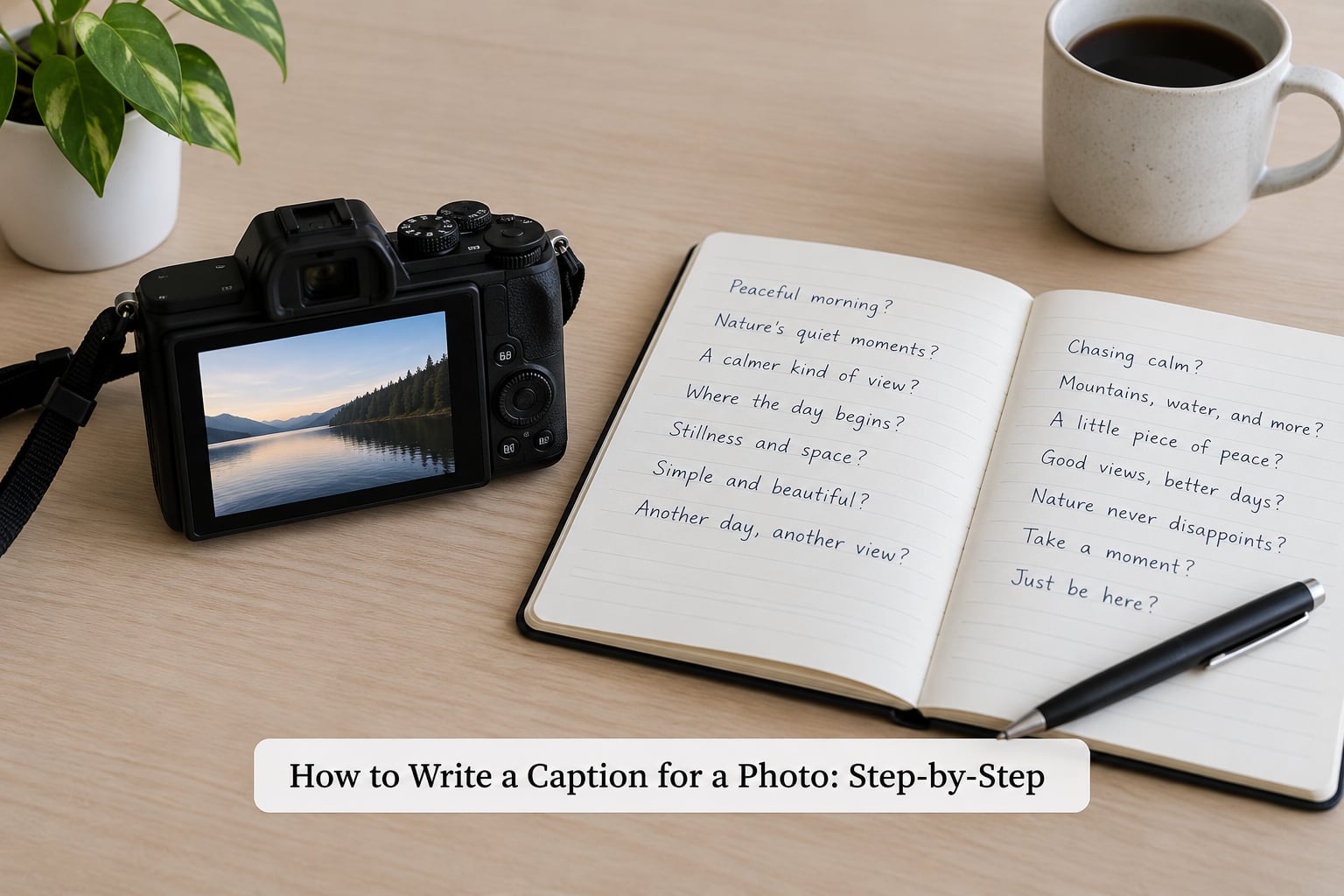
Here is how to write a caption for a photo that a reader will remember: look past the obvious, choose one job, draft with concrete nouns, add only the context you can defend, then revise for accuracy and accessibility. Six steps, and most of the work happens in the first two.
Step 1: Look Beyond the Main Subject
Read the frame in layers. Foreground first, then midground, then whatever is behind everything else. A red kayak against the water is obvious. The gloves left on the dock, the low grey light, and the flat calm water are the details that make the caption specific.
Ask three quick questions. What is happening, not just what is there? What has the light done to the scene? What would be missing if you cropped this frame down to a square? That last question usually reveals your best line.
If you keep seeing the same three or four details across a series of frames from one shoot, that is a signal about what the series is about. Write those details down. Repetition across images is worth naming once, in the introduction, rather than in every caption.
Step 2: Decide What the Caption Should Communicate
Pick one purpose before you write a single sentence. The most reliable purposes are describing what happened, giving context a viewer needs, telling a short story, identifying a place and time, or inviting the reader to respond. Editorial and archive captions lean on the first three. Social captions lean on the last one.
Different job, different sentence. A descriptive caption for a gallery reads “Fog over the inlet just after sunrise, Bodega Bay, October.” A narrative caption for a blog reads “We waited forty minutes for the fog to lift and it never really did, which was the point.” Both are correct for what they were written to do.
If you cannot name the purpose in a short phrase, the caption will drift. If you can, you can cut anything that does not serve it.
Step 3: How to Write a Caption for a Photo That Is Not Generic
Use concrete nouns, active verbs, and details you can actually see. “Beautiful sunset” tells a reader nothing they could not infer from the thumbnail. “Last light on the harbour wall, 8 minutes before the fog closed in” tells them what to feel and gives them a reason.
A formula gives you a starting shape, then you fill it in with what you observed. These five cover most situations:
| Formula | Use it for | Example caption |
|---|---|---|
| [Subject] doing [action] in [place] | Documenting a trip or a routine | A heron working the shallows at low tide, Morro Strand |
| [Detail], [place], [date] | Galleries and archive records | Frost on the fence rail, Cumbria, 14 January |
| [Moment] before or after [event] | Wedding and event work | The two minutes before the vows, when nobody was watching |
| What happened, then what it meant | Blog posts and photo essays | The climb took four hours and the view took four seconds |
| [Specific claim] plus [credit or question] | Social posts and engagement | Photographed at dawn, unconfirmed species. What would you call this colour? |
Try the same photo two ways to see which job suits it. For a family snapshot of a kitchen table: “Sunday breakfast, my mother’s table, 9am” documents the moment. “The table that has held every birthday since 1987” tells a story. Neither is better; they simply go to different places.
One habit worth keeping: draft three captions and keep the one you would say out loud. Written captions drift toward press-release language, and reading yours aloud catches that immediately.
Step 4: Add Context Without Overexplaining
Add the place, the date, the event, or the feeling when the image genuinely needs it. Skip it when the frame already makes it obvious or when you would be padding to fill a word count.
One sentence of real context beats a paragraph of atmosphere. If you do not know the location, say what you do know instead of guessing at a landmark. Readers who spot one invented detail stop trusting the whole caption, and photographers who reuse captions years later forget which details were certain.
Keep the front of the caption carrying the weight. On most feeds and gallery layouts only the first line or two is visible before a reader has to expand or tap, so put the fact there rather than the suspense.
Step 5: Refine for Voice, Accuracy, and Accessibility
Check every name, date, place, and number against what you can verify. Where you are guessing, mark it as a guess: “unconfirmed,” “possibly,” “location unknown.” That single habit separates a caption from misinformation, and it is what readers in photography communities say they look for first.
Then write alt text separately. Alt text describes the image for someone who cannot see it and is read aloud by a screen reader. A caption adds meaning, credit, and context. One does not replace the other, and copying your caption into the alt text field wastes both.
On tone, write to one person rather than to an audience. Second person, plain verbs, no throat-clearing. On captions for people in the frame, describe only what you can see. No invented relationships, no assumed emotions, no guessed identities.
Step 6: Test and Publish the Final Caption
Read the caption without looking at the photo. If you can still picture the image, it works. If the caption could belong to any photograph from that folder, it is too vague and needs a specific noun or a place name.
Check length against where it will live. A gallery or print caption runs one or two sentences. A blog caption can run three. A social caption that has to survive truncation should put its point in the first fifteen words. A stock submission needs its searchable terms in the metadata field, not stuffed into the caption.
Finally, make sure a series reads consistently. If three frames in a set all start the same way, vary the openings. A caption that repeats the photographer credit on every line reads as boilerplate; credit the set once and let the individual captions do their own work.
Common Caption Mistakes and How to Fix Them
Most bad captions come from writing before looking. Here are the errors I see most often, with the fix that works.
Generic labels. “Sunset over the beach.” The photo already told you that. Fix: replace the category word with the detail that surprised you, such as the tide level or the time.
Assumed facts. Calling a bird a species you are not sure of, or naming a city you inferred from a sign seen at a glance. Fix: mark uncertain details as uncertain, or leave them out.
Overlong descriptions. A 90-word paragraph that repeats the image in order, left to right. Fix: one sentence of description, one of context, stop.
Excessive emojis and hashtags. Twelve heart emojis between a documentary landscape and its location. Fix: zero or one, and save the hashtag block for social, where it belongs.
Missing context. A beautiful photograph with no place, no date, and no credit. Fix: add the three facts a reader cannot see.
Repetitive wording. The same opening across twenty frames in a gallery. Fix: vary the openings and let the set description carry the shared material.
Keyword stuffing. “sunset beach ocean sand travel vacation” pasted after a full stop. Fix: put searchable terms in the metadata or alt text where they belong, and keep the caption readable.
Treating alt text as a caption. Pasting the caption into the alt field, or leaving alt text blank and assuming the caption covers it. Fix: write both, for different readers, and never copy one into the other.
Captions for people that invent character. “Her laughing with her daughter,” when the relationship is a guess. Fix: describe the visible interaction, such as “laughing with a child at the table.”
Frequently Asked Questions
How long should a caption for a photo be?
One or two sentences for a gallery, print, or report. A blog post allows up to three, and a social caption should put its point in the first fifteen words because most feeds hide the rest. Stock submissions want short factual text with keywords handled separately in the metadata field. If your caption needs a third paragraph, you are probably writing an essay instead.
Should I use emojis in a photo caption?
Only where the caption runs on social, and sparingly. One emoji at the end reads as friendly; a line of them reads as noise and can pull attention off a documentary or nature image. For galleries, prints, and editorial submissions, skip them completely. If removing all the emojis makes no difference to how the caption reads, leave them out.
What is the difference between a photo caption and alt text?
A caption is visible on the page and adds what the image cannot say by itself: place, date, credit, and meaning. Alt text sits in the image’s alt attribute, is read aloud by screen readers, and describes what is visible for someone who cannot see the photo. Captions serve sighted readers who want more; alt text serves everyone when the image is broken, blocked, or unseen.
How do I write a caption for a nature or travel photo?
Lead with what is happening in the scene, then add the one piece of context a reader cannot see: the place, the time, or the conditions. Frost on a fence rail means more than a snowy field, and so does the eight-minute gap before fog closed the view in. Save the emotional read for the second sentence, after the facts are down.
How can I make a photo caption more searchable?
Use the words a person would actually type. Naming the place, the species, the season, and the subject in plain language beats any keyword block. Put those terms in the alt text and the image metadata too, where search engines read them without penalising the visible caption. Never repeat a keyword to hit a count; it reads as spam and helps nobody.
Can I mention people, places, or events in a caption without knowing every detail?
Yes, as long as you mark what is uncertain. Write “location unconfirmed” or “species not verified” and the caption stays trustworthy. The problem is not partial knowledge, it is false certainty, because one invented detail makes readers doubt the rest. For people in the frame, describe what you can see and never guess at identities or relationships.
Wrapping Up: What to Do First
Open the most recent frame you shot and write one sentence naming the subject, one adding a fact the image cannot show, and one credit line. That takes under two minutes and it is the whole discipline.
Then read it back with the photo covered. If you can still picture the shot, the caption works. If it reads as a label, go back to the frame and find the detail you skipped the first time.