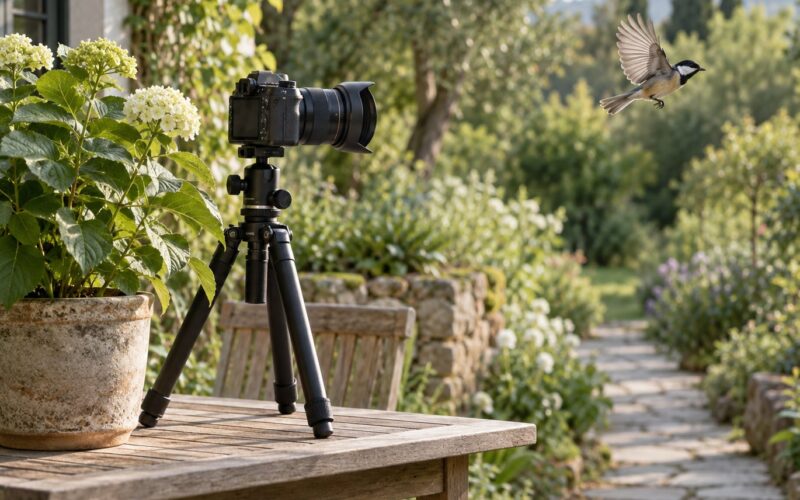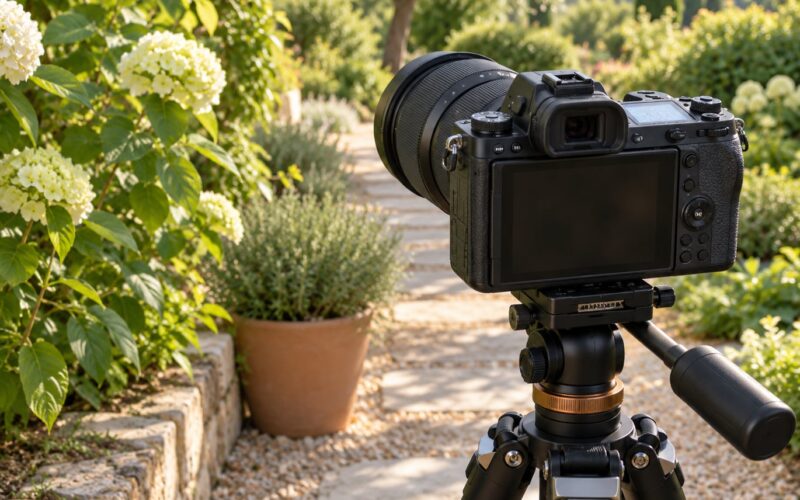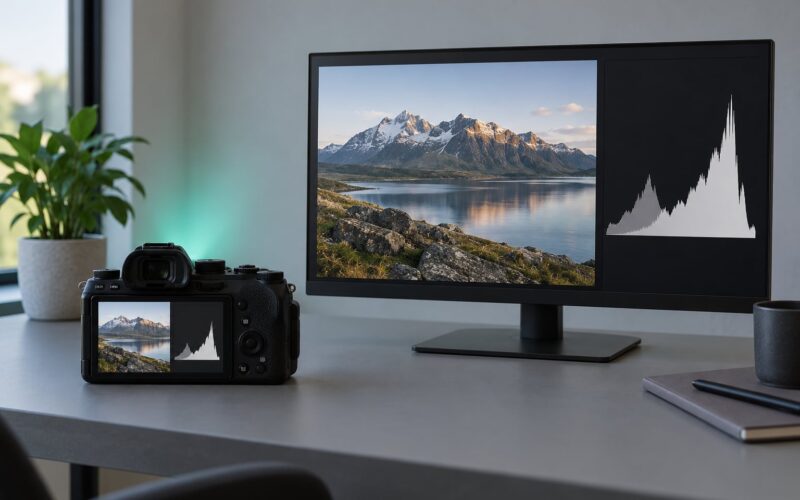
Lens compression is the effect where a background looks closer to your subject, and larger, than it really is, so ridgelines stack and buildings crowd in behind a person. It happens because of where you stand, not because of the glass in your lens. Understand what is lens compression explained by, viewpoint rather than optics, and you can flatten a scene on purpose instead of wondering why your crop came out flat.
I learned this the slow way, editing photos from three different positions and realising the version I liked most was the one I had walked farthest back for. Twenty minutes of walking saved an hour of fiddling with sliders later.
Table of Contents
- What Is Lens Compression Explained in Simple Terms?
- How Lens Compression Differs From Wide-Angle Perspective
- What Actually Changes When You Increase Focal Length?
- How to See Lens Compression in Your Own Photos
- Lens Compression Examples: Architecture, Nature, and Portraits
- Does Lens Compression Change Focus or Background Blur?
- How to Control Lens Compression in a Photograph
- Common Misunderstandings About Lens Compression
- Frequently Asked Questions
- Is lens compression a real optical effect or just a photographic illusion?
- Does using a telephoto lens automatically make a subject look closer?
- What focal length is best for making landscapes look compressed?
- Does lens compression make a background blur automatically?
- Can I create lens compression with a kit zoom lens?
- Conclusion
What Is Lens Compression Explained in Simple Terms?
Here is the short version. Lens compression is a visual effect in photography where the background appears closer, larger and flattened relative to the foreground subject. The layers in the scene stay exactly where they were. What changes is your viewpoint.
- It is a viewpoint effect. Move the camera and the amount of compression changes, even with the same lens on the body.
- Focal length only tells you how far back to stand. A 200mm lens frames a person tightly, but you only get that framing from a long way back, and that distance is what compresses the scene.
- The opposite is extension distortion. A wide-angle lens close to a face makes the nose big and the ears small, stretching depth instead of flattening it.
Nothing in the lens squashes your background. A lens takes in a cone of light, and a longer lens takes in a narrower cone. When the framing stays constant, a narrower cone has to be aimed from further back, so your viewpoint moves and the apparent gap between near and far collapses.
How Lens Compression Differs From Wide-Angle Perspective
A wide-angle lens does the reverse of compressing. Shoot from close range and near objects swell while distant ones shrink, so depth looks exaggerated and the background feels pushed away from the subject.
| Aspect | Wide-angle lens | Normal lens | Telephoto lens |
|---|---|---|---|
| Angle of view | Very broad, roughly 70 degrees or more across | Moderate, similar to natural vision | Narrow, often under 20 degrees |
| Camera-to-subject distance | Very close | Moderate | Far |
| Spatial appearance | Depth exaggerated, near objects large | Natural proportions | Depth flattened, background appears closer |
| Distortion type | Extension distortion on faces and edges | Little visible distortion | Compression, minimal shape distortion |
| Common uses | Interiors, architecture, close street work | Everyday shooting, street, travel | Scenic views, wildlife, sport, portraits |
A 50mm lens on a full-frame body is the one most photographers call neutral, because its angle of view roughly matches how your own eyes take in a scene. That makes it a useful starting point, not a rule.
What Actually Changes When You Increase Focal Length?
Three things move together when you reach for a longer lens: the focal length, your camera position and the framing. Zooming in does none of the flattening on its own. Hold a zoom at one position, press from 24mm to 200mm and the perspective barely shifts, because you stayed put. Step back until the subject is the same size in the frame and the background immediately grows in apparent size.
That is why a cropped 24mm frame and a full-frame 50mm frame shot from the same spot share the same perspective. Crop factor and sensor size change how wide or tight your field of view is, not the geometry of the scene in front of you.
How to See Lens Compression in Your Own Photos
You can prove this yourself in about ten minutes with any camera and any two focal lengths. Pick a scene with three layers: something close, a mid-ground subject and a distinct background.
First, mount the camera on a tripod or prop it against something solid so it cannot drift. Shoot at a wide setting, then a long one, from the exact same spot. Compare them. The wide frame makes the near object dominate; the long frame makes the background press in behind the subject.
Second, keep the long lens and walk forward until the background element almost touches the subject in the frame. You will not actually be closer to it. That visual collision is compression happening.
Third, walk far back until the whole scene fits in a single frame, then put that frame on top of the first wide shot. The layers line up almost exactly, because both were taken from the same spot with the same viewpoint.
That overlay is the moment the argument ends. People regularly try to reverse-engineer a photographer’s focal length from how compressed a frame looks, but what they have really measured is how far back the person stood.
Lens Compression Examples: Architecture, Nature, and Portraits
Scenic views benefit most. Ridge lines that are miles apart can be stacked into overlapping bands that look like painted layers, and a distant summit that would be a speck on a wide frame fills a third of the picture from a long lens.
City scenes reward it too. Shot from across a river or an open square, towers in the middle distance stop looking tiny and start to loom behind whatever is in the foreground.
For portraits, a long lens from a distance gives you two things at once: a background that sits close behind the person, and a smooth backdrop because the aperture works harder at that range.
Astrophotography is the playful case. A rising moon shot from a hilltop on a long lens looks enormous against the horizon, and the ridgeline beneath it appears to be almost touching. The distances involved make the illusion striking.
Wildlife and surf photographers use the same logic deliberately, framing an animal or a surfer against a landmark that would otherwise be a speck.
Does Lens Compression Change Focus or Background Blur?
No. Perspective compression and depth of field are two separate things that often appear together, which is why people merge them in their heads.
Background blur comes mainly from aperture, then from focal length, sensor size, focus distance and how far the background sits behind the subject. A wide aperture at any focal length gives a soft background. A long lens from a distance also blurs heavily, because you are forced into a wide aperture for the shutter speed you need.
Compression, by contrast, changes apparent size ratios. You can compress a scene at f/16 with everything sharp, and you can shoot f/1.8 from close range with a hugely blurred background and no compression at all.
How to Control Lens Compression in a Photograph
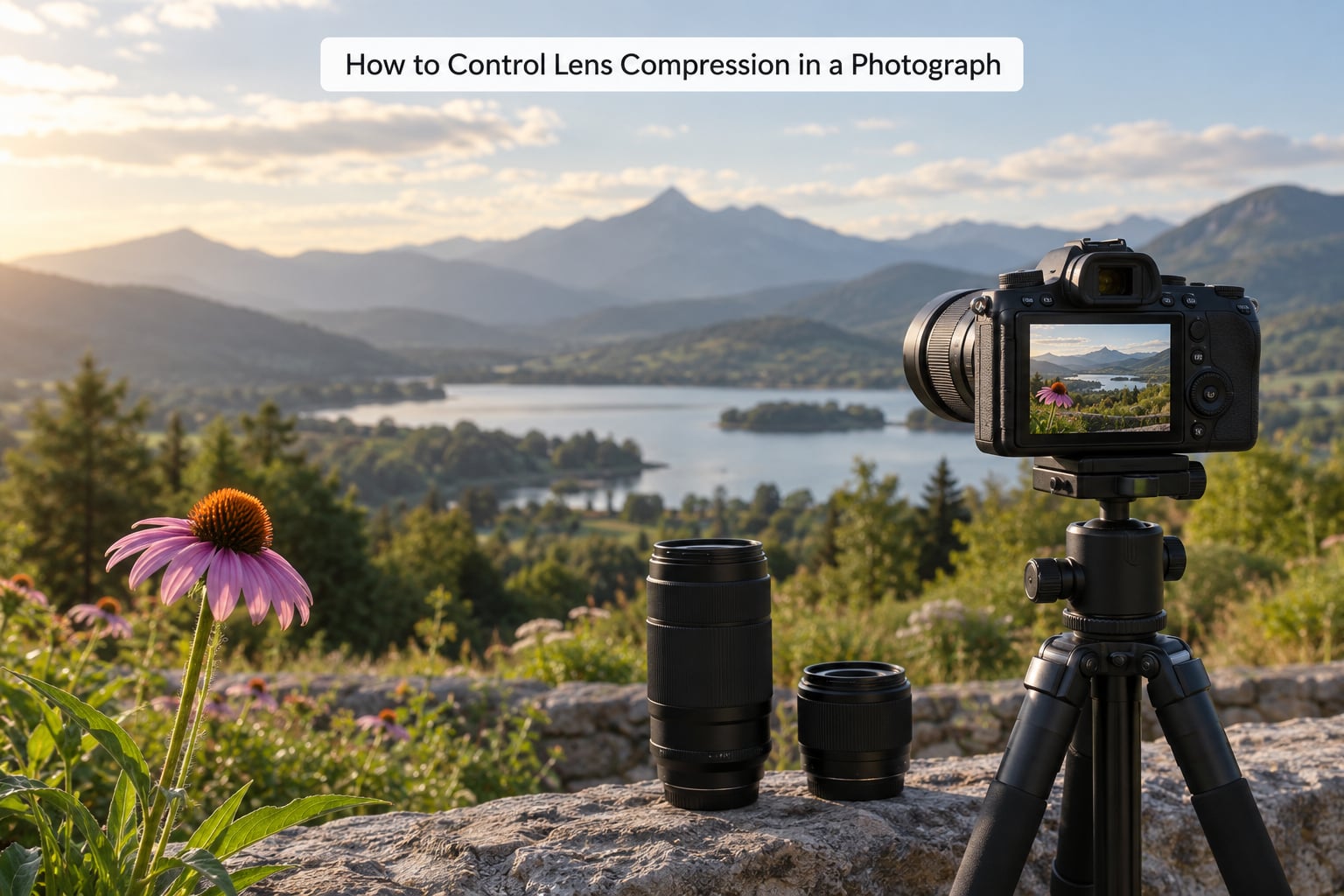
You have three levers, and you rarely need to touch more than one.
Move the camera. Stepping back with a wide lens produces the same compressed look as a telephoto from close in, at the cost of resolution and some light. This is the lever people miss most often.
Change focal length. Reaching for the long end of your zoom handles wildlife and distant scenes where you physically cannot back up.
Change the subject-to-background gap. The bigger the distance between your subject and what is behind it, the weaker the compression. Compression is easiest when the background sits far behind, and nearly impossible when a wall sits a foot behind a head.
For scenic work, work toward the strongest layer you can get. For portraits, back up and keep a long background distance rather than shoving the subject against a wall. For street scenes, stay close and let a wide lens keep the surroundings honest.
Common Misunderstandings About Lens Compression
The first myth is that the lens compresses. No lens bends the scene. If your telephoto looks compressed, it is because your camera moved when you changed lenses.
The second is that zooming in compresses. Zooming in on a photo afterward changes nothing but the crop. You cannot manufacture compression in editing, because the perspective data was never captured.
The third is that a long lens is automatically flattering. Compression does not pick flattering or unflattering. Pointed up from a low angle it can make a building loom and a person look small. Direction matters.
The fourth is that file compression is the same idea. It is not. When people ask whether pictures lose quality when compressed, they are usually asking about JPEG file size, which has nothing to do with perspective.
The fifth myth is the useful one to unlearn: compression always means closer. Sometimes the opposite happens. Compress a scene too aggressively and the layers merge into a flat, confusing wall with no depth cues at all.
Frequently Asked Questions
Is lens compression a real optical effect or just a photographic illusion?
It is a real visual effect, but not an optical one produced by the lens. The geometry of your viewpoint makes distant objects appear closer and larger next to your subject. Move the camera while keeping the same lens and the effect changes, which is how you can tell the cause is position rather than glass.
Does using a telephoto lens automatically make a subject look closer?
Only because you have to walk back to frame it. Holding a telephoto in place and zooming changes the crop, not the perspective. Walk back until the subject fills the frame the same way and the background will have grown in apparent size, because the extra distance shrank your subject far more than it shrank the background.
What focal length is best for making landscapes look compressed?
There is no best focal length, only the distance you can manage. A 100mm to 200mm from a hillside usually stacks ridges well. If you have only a kit zoom, use its long end and step as far back as the light allows, or shoot the wide end and crop lightly, accepting a smaller file.
Does lens compression make a background blur automatically?
No. Background blur comes from aperture, focal length, sensor size, focus distance and the gap to the background. Long lenses often blur heavily because you need a wide aperture to get a fast shutter speed at that distance, but you can compress a scene at f/16 with everything sharp and equally shoot wide open with no compression.
Can I create lens compression with a kit zoom lens?
Yes, and most people already own one. Set it to the long end, walk back until your subject fills the frame, and keep the background as far behind the subject as the location allows. A kit zoom on a crop sensor behaves differently from a prime on full frame, so compare angles of view rather than printed focal lengths.
Conclusion
Here is what is lens compression explained in one line: a change in viewpoint that makes far things look near, caused by camera position rather than by the lens itself. Longer focal lengths produce it because they force you to step back.
Start with one scene today. Shoot it wide, then shoot it long from the same spot, then walk forward until the background almost touches your subject. Three frames, ten minutes, and you will never need the argument settled by anyone else again.